Add Hanger.
Connect your shop, then add the Hanger app block to your product template in Shopify’s theme editor.
 hangerFOR SHOPIFYConnect your store ↗
YOUR STORE’S VIRTUAL FITTING ROOM
Turn “Would this suit me?” into a personal try-on. Add Hanger to your Shopify product pages and let shoppers picture their next favourite piece.
You buy the credits. Shoppers just add a photo and try.
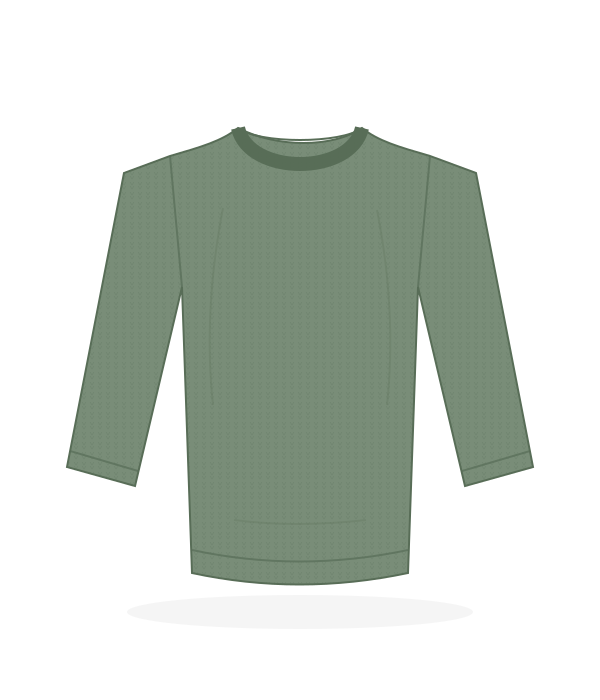 One piece.Try it on me↗
Illustrative product · open the interactive demo
No shopper account
✳No shopper app download
✳One image. One credit.
SMALL BUTTON. PERSONAL EXPERIENCE.
Connect your shop, then add the Hanger app block to your product template in Shopify’s theme editor.
Choose a credit pack from your merchant dashboard. Shopify asks you to approve each purchase.
They choose a photo and generate a studio preview of themselves wearing the selected clothing.
AI previews show appearance, not measurements. They don’t guarantee fit. Generation can take a few minutes.
A BUTTON THAT FITS YOUR STORE
Choose your button style in the Shopify theme editor. Both open the same fitting room. Keep the label and colours your own.

A compact hanger button, with an accessible label and hover tooltip.
Try it on meThe current button, with a clear invitation to try the product.
SIMPLE, PAY-AS-YOU-GO PRICING
1 credit = 1 successfully generated image.
No subscription. Credits don’t expire.
Start small
$10USD
$0.10 per generated image
Get 100 credits ↗More room to try
$47USD
$0.094 per generated image
Get 500 credits ↗Best value · save 10%
$90USD
$0.09 per generated image
Get 1,000 credits ↗Credits belong to your shop and are shared across its shoppers. Confirmed failed generations return the reserved credit. Shopify shows the final checkout total. Test-store purchases use test billing.
LET’S GET YOU SET UP
Enter your permanent Shopify store address to start the connection. Already connected? Open your dashboard to check your balance or buy credits.
Open merchant dashboard ↗Shopify will ask you to approve installation. Hanger is currently in testing; it is not yet listed in the Shopify App Store.
A FEW GOOD QUESTIONS
Open the merchant dashboard, connect your shop, and select a credit pack. Approve the purchase on Shopify. Once Shopify confirms it, the credits appear in your shop’s balance.
No. Your shop funds the previews. Shoppers open the Hanger button on a product page, add their photo, and request a preview.
Reference photos stay in the shopper’s browser until they request a preview, then are sent to Hanger and its AI provider for generation. Read our privacy and data handling policy for details.
Yes. Open the interactive demo to see the product-page button and fitting room. A generated preview uses the configured AI service.